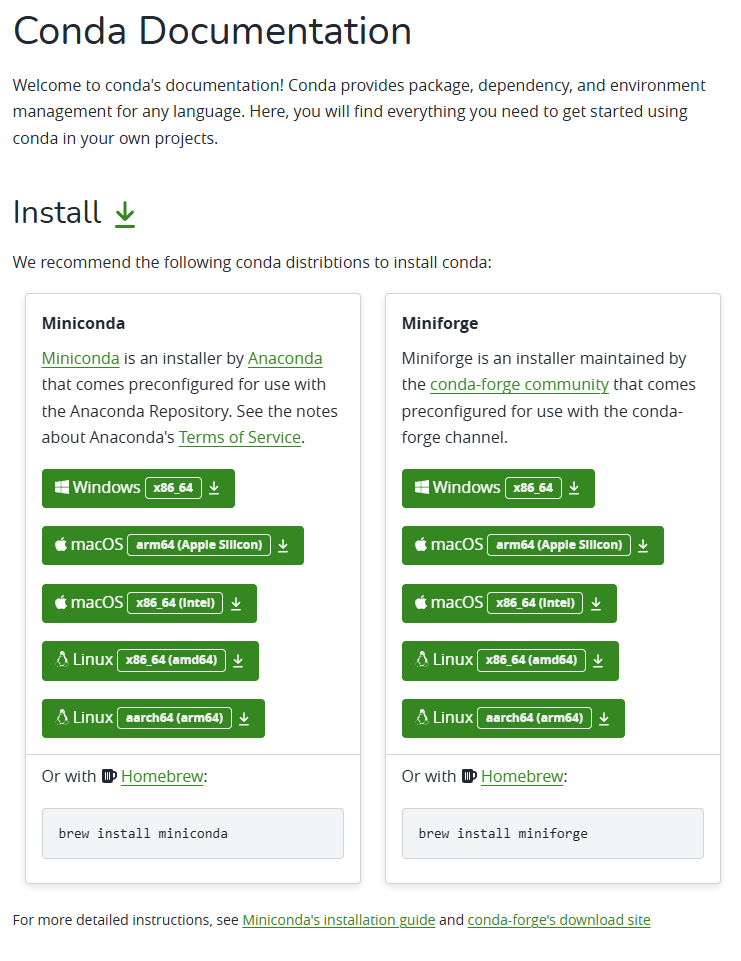
安装
mkdir ~/miniconda

cd ~/miniconda/

wget https://repo.anaconda.com/miniconda/Miniconda3-latest-Linux-x86_64.sh

#清华源下载包
wget https://mirrors.tuna.tsinghua.edu.cn/anaconda/miniconda/Miniconda-latest-Linux-x86_64.sh

bash Miniconda3-latest-Linux-x86_64.sh
使用
#创建新环境
conda create -n tf python=3.7

#初始化
conda init bash && source /root/.bashrc

#进入环境
conda activate tf

#conda安装包 以及指定版本
conda install tensorflow-gpu==1.15.0

#查看所有环境
conda info -e

#删除环境 以及下面的所有包
conda remove -n env_name --all
安装jupyter lab 汉化
#安装
pip install jupyterlab
#汉化
pip install jupyterlab-language-pack-zh-CN
#启动
jupyter lab

#添加环境 设置kernel,--user表示当前用户,tf为虚拟环境名称
ipython kernel install --user --name=pt
#查看所有环境
jupyter kernelspec list
#删除环境
jupyter kernelspec uninstall pt